 Introduction
Get started
Basics
Sampler
Synthesizer
Mixer
Sample Store
Projects
Troubleshooting
AUv3
Credits
Sample Store
Overview
Tap on the Shopping Cart button at the top to open the Sample Store (see Basics 2.3).
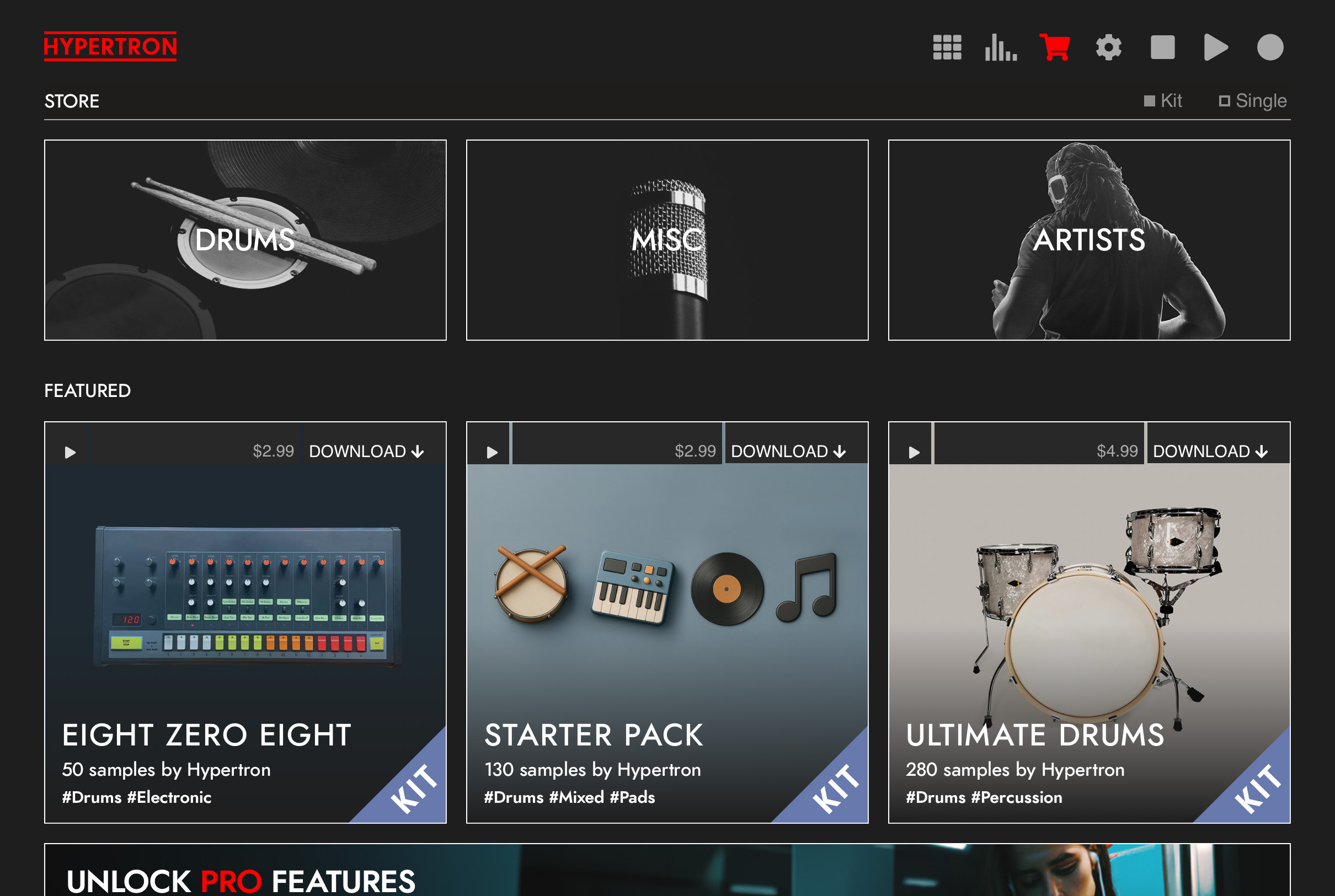
Inside the sample store, you can download free samples and purchase sample packs via one-time In-App Purchases. You can preview sample packs by clicking on the play icon inside the sample packs. It is also possible to restore purchases you made in the past by clicking on RESTORE PURCHASES at the very bottom of the page. Once you have purchased a sample pack, it will be download to your device. You can access these downloaded samples and sample packs by clicking on FILE in the Main View Quick Menu (see Basics 7.1)